Sto's thoughts
==============
# Focus: making my smart lock smarter (2026W44)
Oct 28, 2026
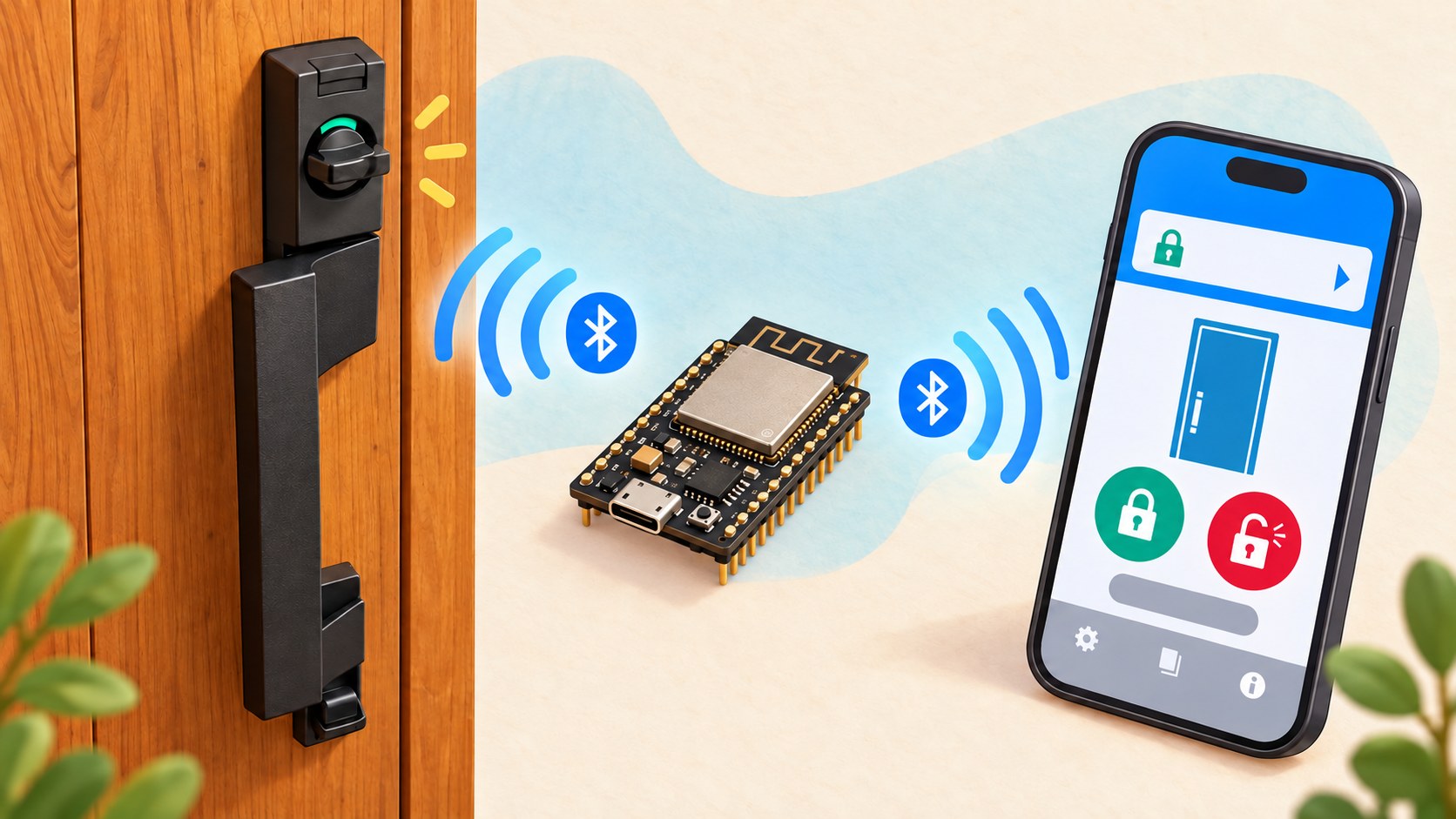
It's already late in the week, so I'll make this short. I already have some results to share, but I’ll save those for a separate post.
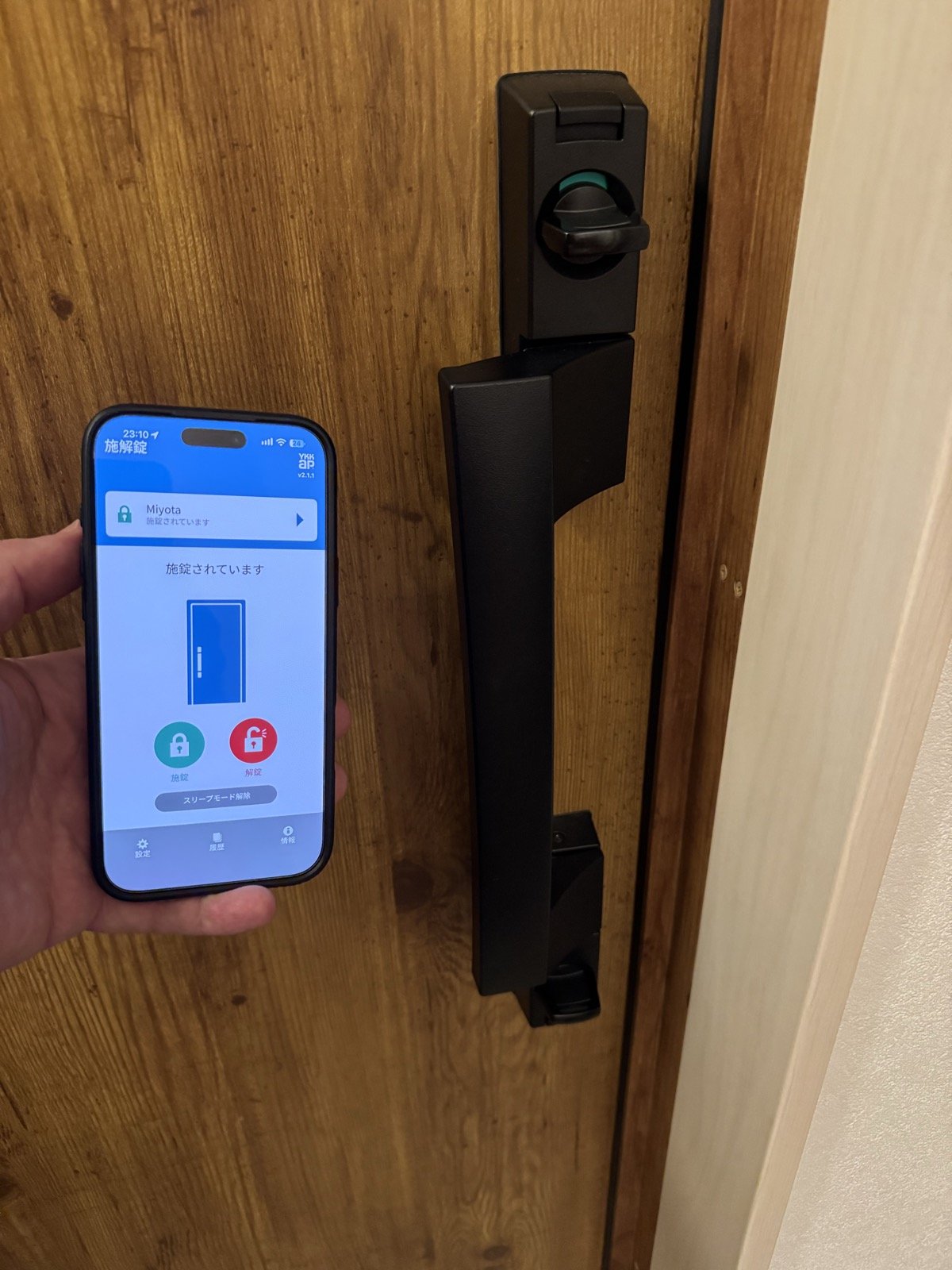
When we built our house, we added an optional "smart lock" to our front door. We chose a lock by [YKK AP] that supports not only small key tags and remotes, but also a smartphone app, [スマートコントロールキー (Smart Control Key)]. (Fun fact: YKK AP's website has been shut down since Friday last week, because of the [php2shell] vulnerabilities disclosed last week, so I used links to the Wayback Machine.)
Our front door lock and its companion app.
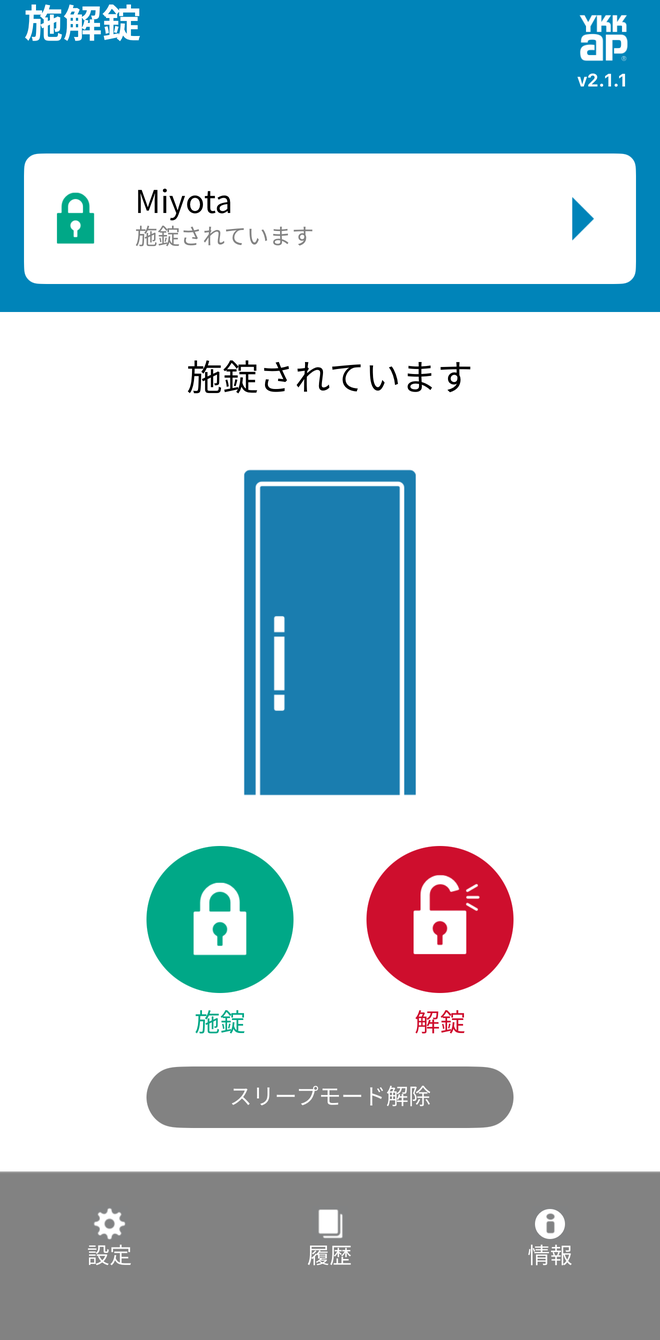
To our disappointment, we realized once we moved in that the lock and control application did not offer remote control of the lock (example use case: "I don't remember locking the door when leaving. Can I check my phone and lock the door if I didn't?"). The application connects to the lock using BLE (Bluetooth Low Energy), and can lock/unlock the door when it's in range of the lock.
The app is also supposed to stay active in the background, and act as a hands-free key that unlocks my door when I press the button at the door, but it rarely works. It looks like the app goes into sleep mode way too easily.
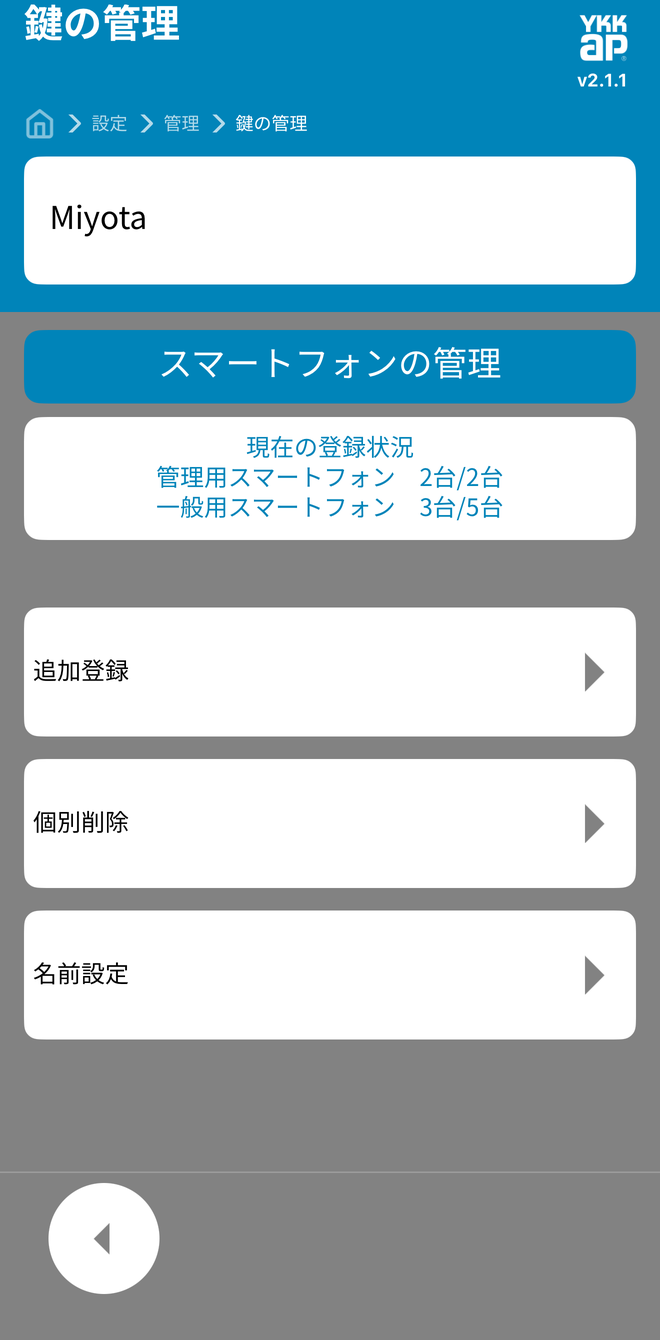
The lock controls.Managing registered smartphones.
I'm not 100% happy with the current system, and I've been thinking that with the use of LLMs, I could probably reverse-engineer the lock's BLE protocol, both by looking at the smartphone application's code, and by analyzing real-life exchanges between my phone and the lock.
This sounds like a fun use of coding agents: reverse-engineering a communication protocol and working with hardware, with a useful improvement to everyday life at the end. So I decided to make it this week's focus.
This week will be a success if by the end, I am able to check the status of my lock and to lock and unlock it from my phone (or watch, or laptop) when I'm away from home. The solution should feel sufficiently polished (not overly experimental looking), require authentication and recover automatically after a power outage.
Optionally, here are a few nice-to-have additions:
- I would prefer it if I managed to get my solution to run on an inexpensive microcontroller like an ESP32. If I can't, a Raspberry Pi should do.
- Ideally, I want the lock and its features to be available in Home Assistant as a device with the appropriate entities. This would allow me to use the platform's strengths such as logging, automations, etc.
- Either through Home Assistant or another way, I want to expose the lock to Apple's HomeKit. Doing so would allow me to control the lock with my voice. ("Hey Siri, make sure I locked the front door" as I'm driving away from home).
- The bridge hardware should be easy to set up and offer a local UI to check its status.
[YKK AP]: https://web.archive.org/web/20261015000000/https://www.ykkap.co.jp/
[スマートコントロールキー (Smart Control Key)]: https://web.archive.org/web/20261015130512/https://www.ykkap.co.jp/consumer/products/door/sck
[php2shell]: https://en.wikipedia.org/wiki/PHP2Shell
_Written by [David Stosik], generated and formatted for LLMs by [Bridgetown]._
[David Stosik]: https://davidstosik.me/about
[Bridgetown]: https://bridgetownrb.com